Set up your signature and initials
Settings → Personal → Visual Signatures holds the mark that appears drawn on documents: “Manage your digital signatures”.
Setting this once saves you the step on every signature afterwards — without a default, each document asks you to produce one on the spot.
Two things, side by side
Section titled “Two things, side by side”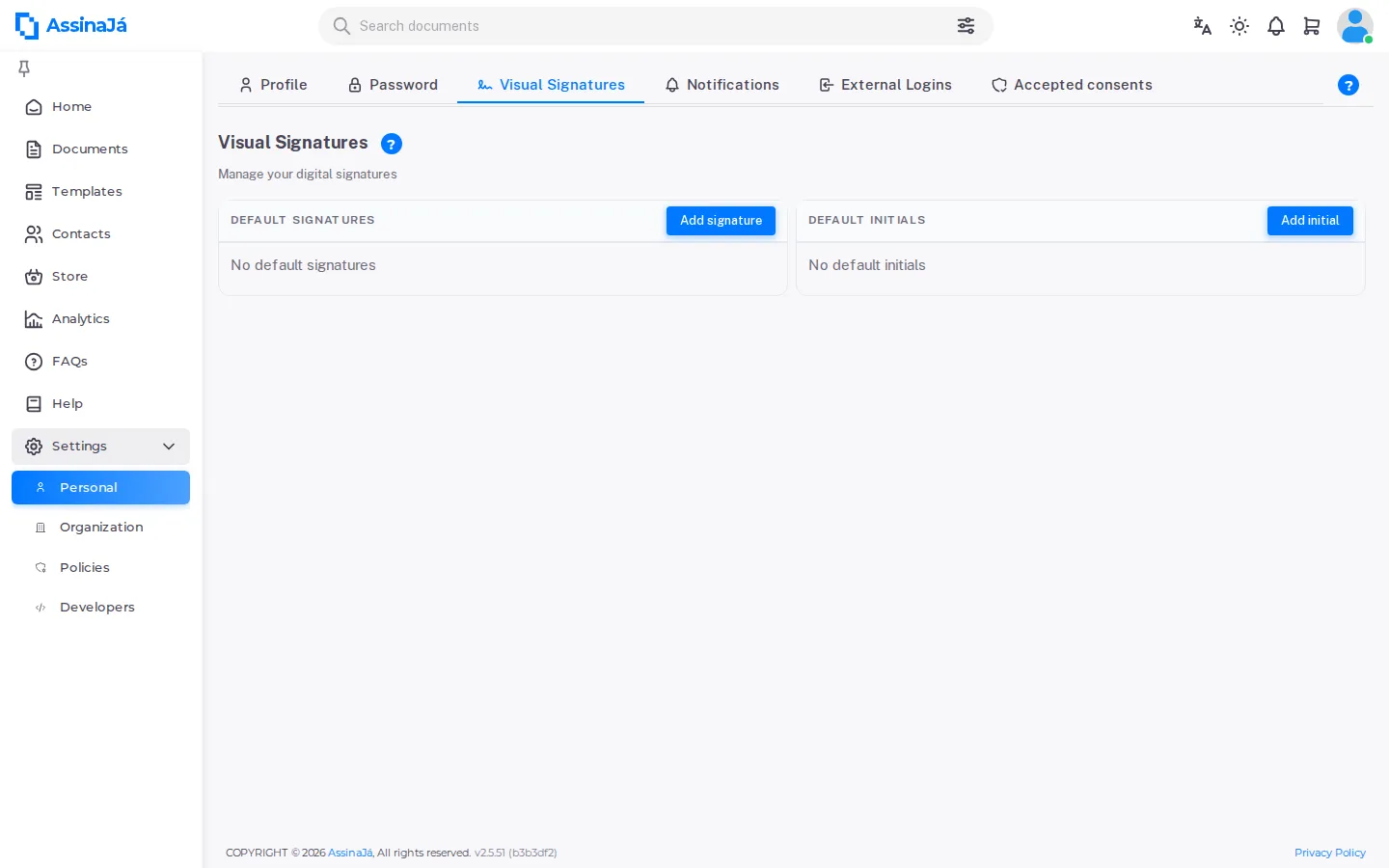
| Card | What it is for |
|---|---|
| Default Signatures | Your full signature, for the signing place |
| Default Initials | Your initials, for initialling page by page |
They are independent: you can have one without the other. While either is missing, the card says so — “No default signatures” and “No default initials”.
Each card shows the date under Created on, and a button to take it off.
Creating one
Section titled “Creating one”Add signature and Add initial open the same dialog, with three tabs, on the first of them. All three produce the same thing — an image — and the choice is only about convenience.
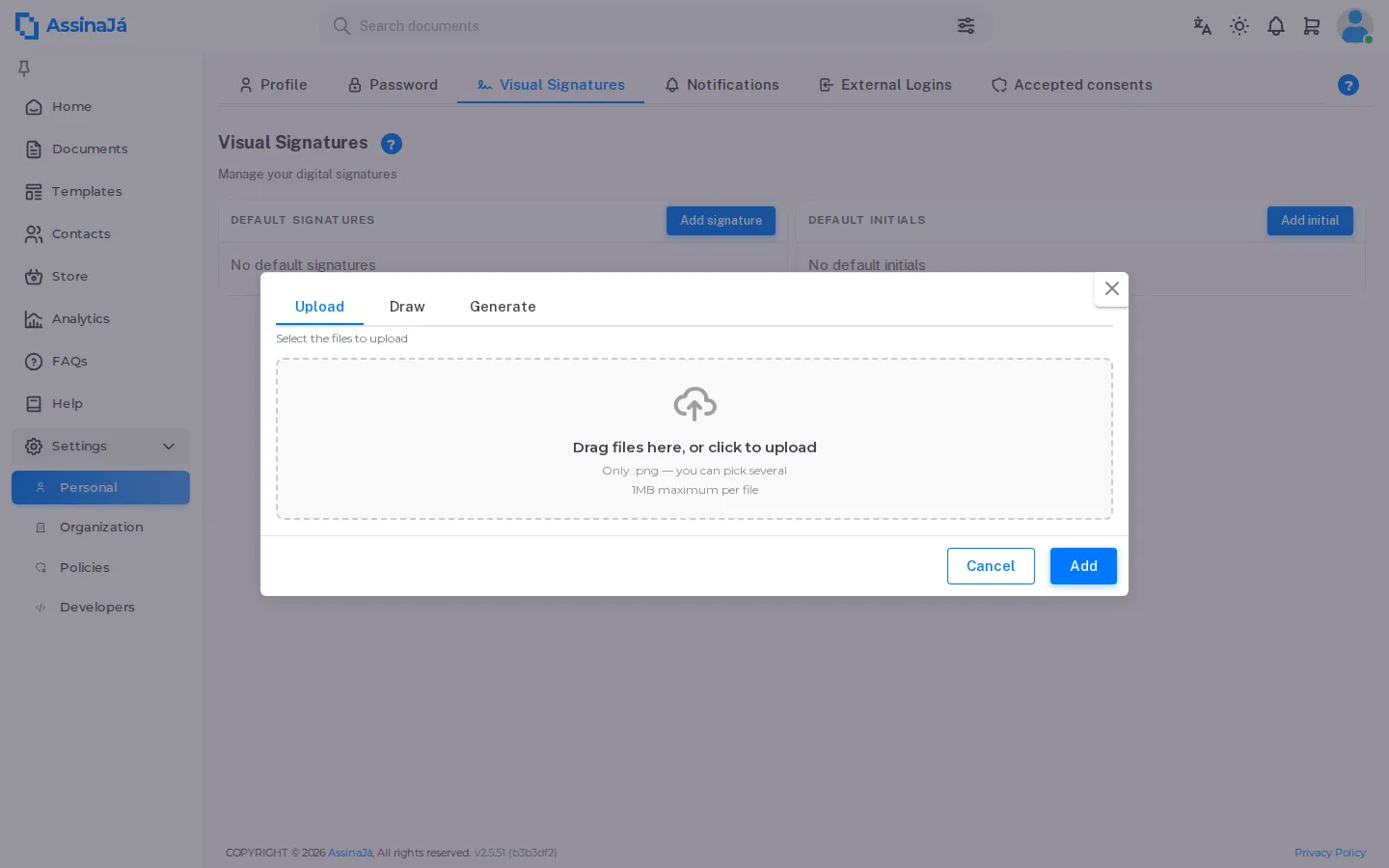
Upload
Section titled “Upload”For anyone who already has a scanned signature:
Drag files here, or click to upload
Only .png, at most 1MB per file. You can pick several at once.
Someone signing by invitation, as a guest, also has Upload while signing — but for that signature only: the image is not saved anywhere. See Create your signature.
Sign with the mouse, or with your finger on a touchscreen. Delete signature clears the area and starts again.
It is the one that looks most like you, and the hardest to do well with a mouse. On a laptop the trackpad works better than you would expect; on a phone, a finger settles it in seconds.
Generate
Section titled “Generate”Type your name into Type your name and the platform draws it.
Choose one of the three signatures generated automatically
And if none of them fits, “Choose your own font for your signature”.
It is the quick option, and the most legible of the three.
Add saves it and makes it the default, confirming with “The signature/initial was successfully set as default”.
Removing
Section titled “Removing”The card’s remove button asks first, and says exactly what it does:
Removing the signature from default
By confirming, you are removing this signature from default. You can always set a new one in this menu later.
Removing the default changes nothing you have already signed. A signature applied to a document is part of that document and of its audit trail — see Audit trail.
You can also create one while signing
Section titled “You can also create one while signing”Coming here is not compulsory. Signing a document with no default brings up the same dialog, with the same three tabs, and a box to keep it for next time. See Sign a document.
The difference is the moment: here you decide with time to spare, there you decide with a document waiting.
See also
Section titled “See also”- Sign a document
- Signature levels — what a visual signature proves, and what it does not
- Manage your personal settings